GoHighLevel Training 2026: Courses, Bootcamps & Learning Guide
GoHighLevel Training: How to Learn HighLevel and Build Real Skills
Want to learn GoHighLevel without spending weeks jumping between random YouTube videos? The best approach is to follow a clear learning path, practise inside a real account, and build small projects that use the platform's CRM, funnels, calendars, and automation tools.
This guide explains the main ways to learn GoHighLevel, what to study first, how to choose training, and how to practise the skills agencies and service businesses actually use.
GoHighLevel, often called HighLevel or GHL, is an all-in-one platform used by marketing agencies and businesses to manage leads, customer conversations, appointments, sales pipelines, funnels, and marketing automation. Because it covers several different jobs, learning it can feel overwhelming at first.
The solution is not to learn every feature at once. Instead, choose a practical outcome, learn only the features needed to achieve it, and expand your skills as you gain experience. If you want a broader overview before beginning, read our GoHighLevel guide and GoHighLevel beginner tutorial.
What Are the Best Ways to Learn GoHighLevel?
There is no single training method that suits everyone. Your best option depends on your budget, how quickly you need to become productive, and whether you prefer self-paced study or a structured program.
1. Official Help Resources
Use official documentation when you need accurate explanations of specific features, settings, and workflows. It is particularly useful when troubleshooting a setup or checking how a feature is supposed to work.
Visit the HighLevel Help Center
Best for: Learning individual features and solving specific problems.
2. Free Video Tutorials
Video tutorials can help you understand the interface and watch someone build a funnel, configure a pipeline, or create a workflow. Choose lessons that show the actual steps instead of only discussing features.
Best for: Visual learners and people exploring the platform before paying for training.
3. Structured Training or Bootcamp
A structured program can give you an ordered curriculum instead of leaving you to decide what to study next. Before purchasing, confirm the topics covered, access period, support arrangements, and whether the program fits your current skill level.
Best for: Learners who want a defined sequence and a more organised learning experience.
4. Hands-On Practice
Build a demo business account, create a sample funnel, add test contacts, configure an appointment calendar, and run a workflow using test data. Practice helps turn explanations into skills you can demonstrate.
Best for: Anyone who wants to apply HighLevel to real projects.
For most beginners, a combination works best: use free resources to understand the basics, follow a clear learning plan, and practise every concept. Consider paid training if it saves you time or provides useful structure that you are unlikely to create yourself.
GoHighLevel Training for Beginners: A Step-by-Step Learning Path
You do not need to master the entire platform before building something useful. Work through the following stages in order. Each stage should produce a result you can test or show in a portfolio.
Stage 1: Understand the Dashboard and Account Structure
Start by learning how the account is organised. Understand the difference between agency-level settings and individual business sub-accounts, where relevant to your access and plan. Explore the navigation, account settings, user permissions, and business information.
Learn these basics first:
- How to navigate the main dashboard.
- Where contacts and conversations are managed.
- How business details and user permissions are configured.
- Where websites, funnels, calendars, and workflows are located.
- How to locate help documentation when you get stuck.
Practice task: Create a simple map of the main sections and write down what each section is used for. This sounds basic, but it reduces confusion when you start building more complicated systems.
Stage 2: Learn Contacts, CRM, and Sales Pipelines
A customer relationship management system, or CRM, helps organise leads and customer information. Learn how to create a contact, update details, apply tags, add notes, and identify the next action needed for a lead.
Next, explore opportunities and sales pipelines. A pipeline represents the stages a potential customer moves through, such as New Lead, Contacted, Appointment Booked, Proposal Sent, and Won or Lost.
Build a small demo pipeline and add a few fictional contacts. Move the opportunities through different stages and practise recording the next step.
Practice task: Create a pipeline for a fictional marketing agency and document what must happen before a lead moves from one stage to the next.
For a deeper explanation, visit our GoHighLevel CRM guide.
Stage 3: Build a Basic Website or Lead-Generation Funnel
Once you understand contacts, create a simple page that collects leads. A basic lead-generation funnel might include a landing page, a form, a confirmation page, and a follow-up message.
Focus on the customer journey rather than decorative design. Visitors should understand the offer, know what to do next, and receive a clear confirmation after submitting the form.
Learn how to:
- Create and edit a page.
- Connect a form to the correct contact record.
- Configure the form's next step or confirmation.
- Check the page on desktop and mobile.
- Test the complete process using a test contact.
Practice task: Build a landing page offering a fictional free consultation. Submit the form yourself and confirm that the contact appears correctly in the CRM.
Stage 4: Configure Calendars and Appointments
Appointment booking is a useful skill for agencies, consultants, coaches, and local service businesses. Learn how calendar availability, meeting durations, time zones, booking forms, and confirmation messages work in your account.
Pay particular attention to the business's actual availability and the calendar's time zone. A booking page that looks correct but offers the wrong times creates unnecessary problems.
Practice task: Create a test booking calendar, book a sample appointment, and verify the confirmation process. Use test details and avoid sending real notifications to customers.
Stage 5: Learn Workflows and Automation
Workflows let you automate actions based on triggers and conditions. For example, a new lead might receive an internal notification, be assigned a tag, and enter a follow-up process.
Start with one small workflow rather than building a complex sequence immediately.
- Choose one trigger, such as a form submission.
- Add a simple action, such as applying a tag.
- Add an internal notification if appropriate.
- Review the workflow's settings and conditions.
- Test the workflow with a sample contact.
- Check the execution history and correct any errors.
Do not assume that saving or publishing a workflow means it works correctly. Test the trigger, the conditions, and the result. Also check for duplicate messages or repeated actions before using a workflow with real customers.
Continue with our guides to GoHighLevel workflows and GoHighLevel automation.
Stage 6: Understand Conversations and Follow-Up
Learn how customer conversations are organised, how users respond to leads, and how follow-up activity fits into the sales process. Depending on your account configuration, communication channels and features may need additional setup.
Before sending email or SMS messages, check your sending configuration, consent requirements, applicable laws, and opt-out handling. Use test contacts first, and do not send promotional messages to people who have not agreed to receive them.
Practice task: Create a follow-up plan for a new enquiry. Include the initial response, a reminder for the team, and a clear rule for stopping further follow-up when the lead replies or opts out.
Stage 7: Build a Complete Demo System
Once you understand the main components, connect them into one customer journey. This is where your separate skills begin to make sense as a complete system.
For example, create a fictional home-services business with:
- A landing page that explains the service.
- A lead form that captures contact details.
- A CRM pipeline for tracking enquiries.
- A booking calendar for consultations.
- A workflow that tags new leads and notifies the team.
- A simple follow-up process with appropriate consent and opt-out controls.
- A short checklist for testing the entire customer journey.
This demo is more useful than a collection of screenshots from tutorials. It shows that you can connect several features to solve one business problem.
Should You Take a GoHighLevel Bootcamp?
A bootcamp can be useful if you want an organised path through the platform rather than piecing together tutorials on your own. It may help you decide what to learn first and how different features fit together.
However, the word bootcamp does not automatically mean that a course is right for you. Review the actual curriculum and terms before making a purchase. Check what is included, whether lessons are self-paced or scheduled, what support is offered, and whether the material matches your goals.
Explore the HighLevel Bootcamp
If you prefer a more structured way to learn HighLevel, take a look at the HighLevel Bootcamp. Review its current details to decide whether it fits your experience level and the skills you want to develop.
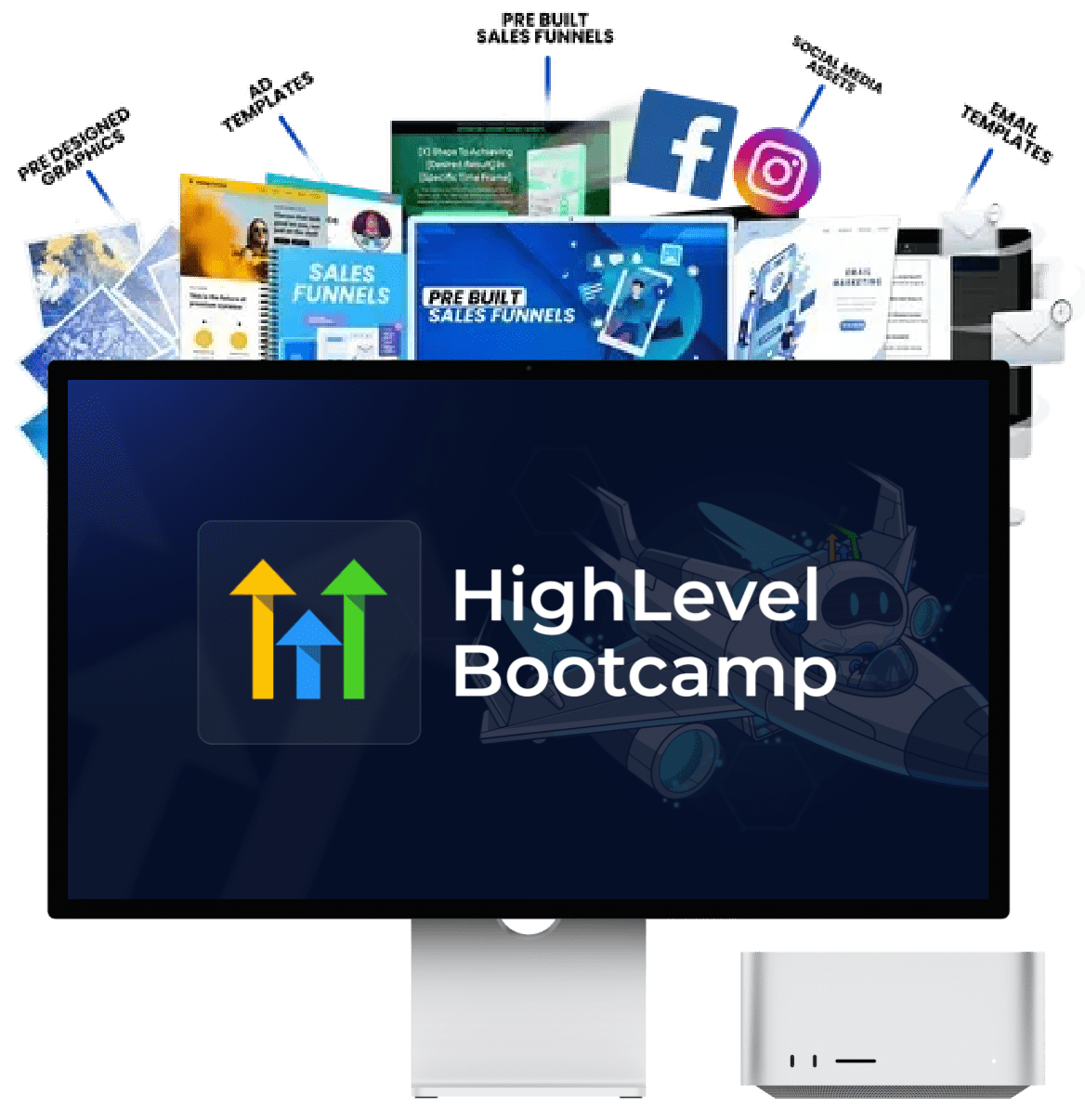
Before enrolling: Confirm the current price, course contents, access period, support, and any additional requirements directly on the offer page.
This is an affiliate link. If you purchase through it, we may earn a commission at no additional cost to you.
What to Look for in a Training Program
Use the following checklist when comparing a bootcamp with free tutorials or other paid courses.
| What to check | Why it matters |
|---|---|
| Clear curriculum | You can see whether the course covers the features you need instead of guessing from its name. |
| Practical demonstrations | You can watch complete setups and then repeat them yourself. |
| Current lessons | Software interfaces and available features can change over time. |
| Support details | You know whether questions, troubleshooting, or community access are included. |
| Transparent pricing | You can assess the total cost and any ongoing payment requirements. |
| Realistic outcomes | The course focuses on skills you can practise rather than guaranteeing income or clients. |
A course should help you build skills, not replace practice. Even a well-organised program will have limited value if you only watch videos without recreating the projects.
How Long Does It Take to Learn GoHighLevel?
The time required depends on your starting point, the features you want to use, and how regularly you practise. Learning enough to build a basic lead-capture system is very different from managing a complex agency account with multiple integrations and automated customer journeys.
The following is a sample study plan, not a guarantee of mastery.
| Study period | Learning focus | Target result |
|---|---|---|
| Week 1 | Navigation, account structure, contacts, and pipelines | Organise sample leads and move opportunities through a pipeline. |
| Week 2 | Landing pages, forms, and calendars | Build and test a simple lead-generation journey. |
| Week 3 | Workflows, tags, and internal notifications | Automate a basic lead-handling process. |
| Week 4 | Testing, troubleshooting, documentation, and refinement | Demonstrate a complete demo system and explain how it works. |
If you can study for 30 to 60 focused minutes most days, this schedule can provide a useful starting structure. You may need more time for unfamiliar concepts, account configuration, integrations, or advanced workflows. Do not rush through a topic just to finish the calendar.
Free GoHighLevel Training vs. Paid Training
Free resources are often enough to begin learning the platform. Paid training can be worthwhile when it offers a useful curriculum, relevant projects, support, or a learning structure that would otherwise take you significant time to organise.
| Factor | Free learning | Paid training |
|---|---|---|
| Cost | Usually free to access, although a working account may have a cost. | Requires checking the course fee and any additional expenses. |
| Learning order | You may need to create your own study plan. | A structured curriculum may provide a clearer sequence. |
| Depth | Can be excellent for individual features and specific problems. | Depends on the actual curriculum and lesson quality. |
| Support | May rely on documentation and public communities. | Support varies by program; verify what is included. |
| Best use | Exploration, troubleshooting, and budget-conscious learning. | Structured study when the added value justifies the price. |
My recommendation is to begin with free material and a small practice project. You will quickly discover which topics are confusing and where you need more guidance. That makes it easier to judge whether a paid program is worth the money.
Compare Your Options Before You Commit
If self-directed learning feels disorganised, review the HighLevel Bootcamp as one possible training option. Check the current program details and compare them with your learning goals before deciding.
Affiliate disclosure: We may receive a commission if you purchase through this link, at no extra cost to you.
Which GoHighLevel Skills Should You Learn First?
If your goal is to use HighLevel for client projects or agency services, prioritise skills that solve a clear business problem. You do not need to know every feature before you can build a useful system.
For CRM Setup
Learn contact organisation, custom fields, tags, pipeline stages, notes, and lead assignment. Your goal is to make customer information easy to understand and act on.
For Automation Services
Learn triggers, actions, conditions, delays, workflow testing, and failure handling. Start with a simple lead-notification workflow before attempting complicated sequences.
For Funnel Building
Learn landing-page structure, forms, mobile layouts, conversion-focused copy, and lead capture. Test the complete journey from the visitor's first click to the saved contact.
For Agency Operations
Once you have the fundamentals, explore sub-account organisation, user permissions, snapshots, reporting, and the processes needed to maintain several client systems.
How to Practise GoHighLevel Without Working on a Client Account
You can develop useful skills without experimenting on a live client's system. Create a demo project based on a fictional business and use sample contact information. Keep test communications separate from real customer communications.
Project 1: A Lead Capture System
Build a landing page for a fictional cleaning company. Add a contact form, connect it to the CRM, and verify that the form submission creates the expected record. Check the page on mobile and test the confirmation message.
Project 2: A Booking Workflow
Create a test appointment calendar and a workflow that notifies the internal team when a booking occurs. Check time zones, availability, and duplicate notifications. Use a test email address and do not contact real leads.
Project 3: A Sales Pipeline
Create pipeline stages for a fictional service business. Add sample opportunities and document what must happen at each stage. If you automate stage changes or notifications, test each condition before enabling it in a live environment.
Project 4: A Reusable Setup Checklist
Write a checklist that another person could follow to recreate your demo. Include account setup, form testing, pipeline configuration, workflow checks, permissions, and any dependencies. Clear documentation is an important skill when building systems for other people.
Keep screenshots of your demo, a short explanation of the problem it solves, and a list of the tests you performed. These materials can help you explain your work to prospective clients or employers without claiming experience you do not yet have.
Common GoHighLevel Training Mistakes to Avoid
1. Watching Tutorials Without Building Anything
Watching a tutorial can make a feature feel familiar, but familiarity is not the same as being able to build it. After each lesson, close the video and recreate the result from memory. Check the lesson again only when you get stuck.
2. Learning Advanced Features Too Early
Complex workflows, SaaS configuration, and large snapshot setups can be tempting. But they become easier to understand after you know contacts, pipelines, forms, and basic automation. Build your foundation first.
3. Assuming Every Feature Is Available on Every Plan
Features, usage limits, integrations, and availability can depend on the current plan and account configuration. Verify the requirements for the feature you intend to use instead of relying on an old tutorial or an unverified promise.
4. Ignoring Testing and Troubleshooting
A workflow that works once may still fail when a contact is missing a field or meets a different condition. Test normal cases, edge cases, duplicate submissions, and the process for stopping follow-up. Keep a record of what you tested.
5. Buying Training Before Defining Your Goal
Before paying for a course, decide what you want to build. CRM setup, funnel building, workflow automation, and agency operations require overlapping but different skills. A specific goal makes it easier to assess whether a program is relevant.
6. Expecting Training to Guarantee Clients or Income
Learning software is only one part of providing a service. You also need to understand the customer's problem, scope the work correctly, communicate clearly, test the system, and support it after delivery. A course can help you learn, but it cannot guarantee business results.
How to Turn GoHighLevel Training Into a Portfolio
If you want to offer HighLevel services, create two or three focused demo projects rather than claiming you know everything. Show what each project does, who would benefit from it, and how you tested it.
A simple portfolio project can include:
- The problem: Explain what the fictional business needs to improve.
- The setup: Describe the pages, CRM stages, calendar, and workflows you built.
- The customer journey: Show how a new lead moves through the system.
- The testing process: Explain how you checked forms, triggers, conditions, and notifications.
- The limitations: Identify any features, integrations, or live configurations that the demo does not include.
Be honest about what is a demo and what has been used in a real business. Do not invent revenue improvements, client results, or performance statistics. A clear demonstration of your process is more credible than unsupported claims.
As your skills develop, you can explore related topics such as GoHighLevel white-label options, the GoHighLevel reseller model, and GoHighLevel snapshots. Learn the basic platform before making business decisions based on advanced features.
Frequently Asked Questions About GoHighLevel Training
Is GoHighLevel easy for beginners to learn?
The basics are manageable when you learn them in a sensible order. Start with navigation, contacts, pipelines, forms, and calendars. Workflows and advanced agency configuration take more practice, especially when multiple conditions or integrations are involved.
Can I learn GoHighLevel for free?
Yes. Official help resources and free video tutorials can help you understand many features. You may still need access to a suitable account to practise, and account access or platform usage may involve costs. Check current plan details before budgeting for a project.
Is a GoHighLevel bootcamp worth it?
It depends on the curriculum, price, support, and your learning style. A structured program may help you follow a clear sequence, but it is not automatically better than free resources. Review the current offer and compare it with the specific skills you need to learn.
Does GoHighLevel training provide certification?
Do not assume that every course or bootcamp includes a certification. Check the current program details to see whether a certificate is offered, what requirements apply, and who issues it. A certificate is also different from demonstrating that you can build and troubleshoot a working system.
How many hours should I study each day?
Consistency matters more than choosing a large number of hours. Start with 30 to 60 focused minutes if that fits your schedule. Spend part of the session learning a concept and the rest rebuilding or testing it in a practice account.
What should I learn first: funnels or automation?
Learn basic CRM concepts and lead capture first, then build a simple funnel and form. Once you understand where the lead information comes from, create an automation that responds to the submission. This order makes the purpose of each workflow easier to understand.
Can I learn GoHighLevel without an agency?
Yes. You can study the interface and practise with a suitable demo or test setup. Some agency-level capabilities may require specific access or a particular plan, so verify what is available to you before planning a project around it.
Will learning GoHighLevel guarantee that I get clients?
No. Training can help you develop technical skills, but finding clients also depends on your offer, communication, market, portfolio, and ability to solve business problems. Build demonstrable projects and set realistic expectations.
Where can I find help when a workflow does not work?
Check the trigger, filters, conditions, action settings, and workflow execution history. Reproduce the problem with a test contact, then consult the official HighLevel Help Center. You can also use our guides to GoHighLevel workflows and automation.
Ready to Explore Structured HighLevel Training?
You now have a practical learning path, from CRM basics to funnels, calendars, and workflows. If you would rather follow a structured training option, review the HighLevel Bootcamp details and decide whether its current content matches your goals.
We may earn a commission if you purchase through this affiliate link. Always check the current offer and terms before purchasing.
Learn by Building, Not Just Watching
Start with the CRM, create a simple lead-capture funnel, and add one tested workflow. Once you can explain and reproduce that system, you will have a stronger foundation for learning more advanced GoHighLevel features.
Disclosure: Some links on this page are affiliate links. We may earn a commission if you make a purchase through them, at no additional cost to you. This does not guarantee that a training program is the right fit for every reader. Review the current course details and terms before purchasing.
