GoHighLevel Guide 2026: Features, Setup & How to Use HighLevel
GoHighLevel Guide: Learn the Platform and Build Your First System
GoHighLevel combines CRM, lead generation, funnels, appointment booking, and marketing automation. This guide explains what the platform does, how its main features work together, and how to create a simple setup without getting lost in advanced settings.
Whether you are a business owner, freelancer, or agency beginner, start with one goal: capture a lead, organize the information, and make sure the next step happens reliably.
Explore the Official HighLevel Bootcamp ↗ Read the guide ↓Affiliate disclosure: We may earn a commission if you register through our link, at no additional cost to you.
Learn GoHighLevel With the Official Bootcamp
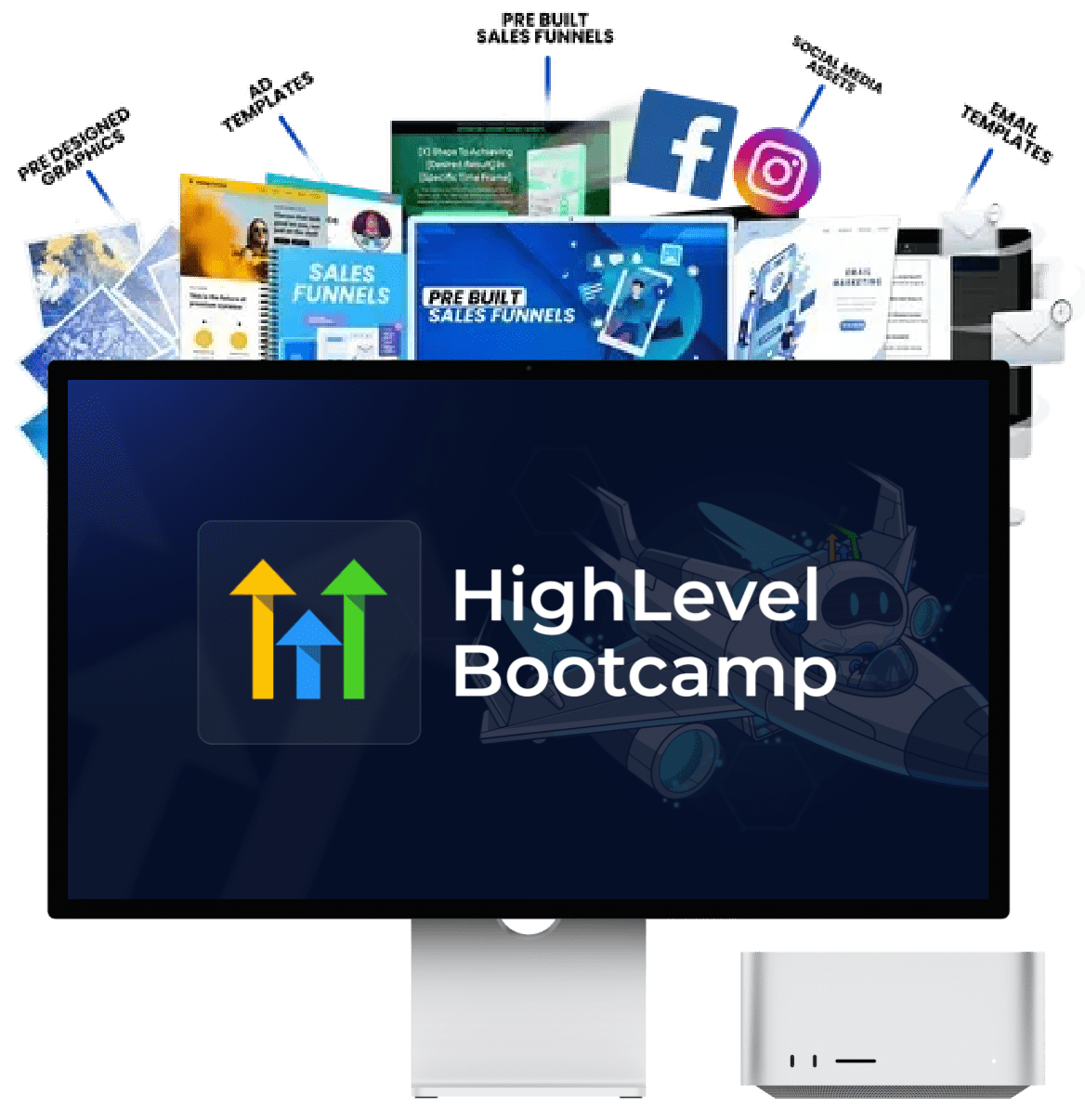
Understanding the features is one thing. Connecting them correctly is another. If you prefer guided, practical instruction, check out the official HighLevel Bootcamp before building your own setup.
HighLevel promotes this training as a live walkthrough designed to help users learn by following along. Review the current offer to see what the session includes and whether its format fits your needs.
- Follow a guided introduction to key platform features.
- Learn how common setup tasks fit together.
- Explore training resources and templates where offered.
- Use what you learn to build and test your own workflow.
Check the official page for the current schedule, eligibility, trial terms, and possible usage charges.
What Is GoHighLevel?
GoHighLevel, also known as HighLevel, is a sales and marketing platform used by agencies, consultants, and businesses to manage customer relationships and marketing processes. Depending on the account plan and configuration, its tools can include a CRM, websites, funnels, forms, calendars, email and SMS communication, workflows, and reputation management.
The key idea is to connect different activities into one process. For example, a visitor submits a form, their details are stored in the CRM, a team member is notified, and an appropriate next step is triggered.
CRM and contacts
Organize customer records, contact details, conversations, and sales opportunities.
Funnels and websites
Build pages to explain an offer, collect enquiries, or guide visitors toward booking.
Workflows
Connect triggers and actions to reduce repetitive manual tasks.
Calendars
Configure appointment availability and manage booking-related steps.
Conversations
Manage supported communication channels and customer interactions.
Agency operations
Build repeatable client workflows and account setups where your plan supports them.
For a broader overview, read our GoHighLevel review, GoHighLevel features guide, and pricing guide.
How to Get Started With GoHighLevel
The easiest way to learn the platform is to build one small, complete process. Use these steps as a practical starting roadmap.
Choose the result you want
Decide what you need GoHighLevel to do. You might want to capture leads, schedule consultations, follow up with enquiries, or organize a client marketing process.
Write down the intended outcome before configuring anything. This keeps you focused on useful features instead of building a complicated setup without a clear purpose.
Set up your account details
Follow the onboarding process and review the business information, time zone, contact details, and user access settings relevant to your account.
If you plan to send email or SMS, check the required sending configuration and applicable consent and compliance rules before contacting real customers.
Learn the CRM
Start by creating a test contact, updating its details, and reviewing its activity. Learn where contact information is stored and how you can keep records organized.
If importing a list, clean up duplicates and incorrect data first. Make sure you have appropriate permission to use those contacts for the communication you plan to send.
Read our GoHighLevel CRM guide for more context.
Build a simple sales pipeline
A pipeline helps you track opportunities as they move through your sales process. A basic example is:
New lead → Contacted → Appointment booked → Proposal sent → Won or lost.
Use stages that reflect how you actually work. Add a test opportunity and move it through the stages so you understand how the pipeline behaves.
Create a landing page or funnel
Build one page with a clear goal, such as collecting a quote request or booking a consultation. Explain the offer, use a relevant call to action, and connect a form or calendar.
Preview the page on desktop and mobile. Submit a test form and confirm that the contact details are saved correctly.
Configure a calendar if needed
Create an appointment type, set availability, verify the time zone, and connect the booking process to the appropriate page.
Make a test booking and check the confirmation, calendar entry, and relevant notifications. Add reminders only after the basic booking flow works.
Build your first workflow
A workflow starts with a trigger and then performs configured actions. For a beginner, a useful first example is an internal notification when someone submits an enquiry form.
After the basic workflow works, consider adding a permitted customer confirmation or follow-up. Keep the first version simple so it is easier to test and troubleshoot.
Explore our guides to GoHighLevel workflows and GoHighLevel automation.
Test the complete journey
Act like a real prospect. Submit the form, inspect the CRM record, check the pipeline, and confirm that the workflow ran as intended.
Also test duplicate submissions, incorrect information, and other common situations. Fix issues before connecting the system to real traffic or a large contact list.
Want a Guided Walkthrough Instead of Guesswork?
If you have read the steps but still feel unsure about configuring the platform, the official HighLevel Bootcamp is another option to explore.
Use the session to learn how key features fit together, then apply the ideas to your own use case. Check the current offer before registering so you know what is included and what conditions apply.
Explore the Official Bootcamp ↗The official offer page has the latest information about the session and any applicable conditions.
How Do GoHighLevel Workflows Work?
A workflow is a set of automated actions that begins when a selected trigger occurs. It can help a business respond consistently to routine events instead of relying on someone to remember every step.
Trigger
A contact submits a form or another configured event occurs.
Action
The system updates a record or sends an internal notification.
Next step
The team follows up and tracks the opportunity's progress.
For example, a new enquiry might trigger a contact record update and an internal alert. Depending on the setup and the person's consent, a suitable confirmation message may also be appropriate.
Before enabling a workflow, check its trigger, filters, timing, and stop conditions. Test it with a dedicated contact to prevent unintended messages or repeated actions.
HighLevel's official workflow documentation can help you find instructions for the current builder.
Which Features Should You Learn First?
| Feature | Purpose | Practice task |
|---|---|---|
| Contacts | Keep lead and customer records organized. | Create a test contact and update its details. |
| Pipeline | Track the progress of sales opportunities. | Create stages and move a test opportunity. |
| Forms and funnels | Capture enquiries and guide visitors. | Submit a test form and inspect the contact record. |
| Calendars | Manage appointment availability. | Make a test booking and check the confirmation. |
| Workflows | Automate repeatable tasks. | Trigger an internal notification from a test submission. |
| Reporting | Review activity and performance. | Check the available data after testing your process. |
Learning these connections gives you a practical foundation. You can explore more advanced tools after the main process works reliably.
For a more detailed feature breakdown, see GoHighLevel features and GoHighLevel integrations.
Should You Use a GoHighLevel Snapshot?
A snapshot is a reusable setup that can package selected assets for use in another account or project. Depending on its contents, it may include configured workflows, funnels, forms, or other resources.
Snapshots can save time, particularly if you build similar systems for multiple businesses. However, do not assume that an imported setup is ready to use without changes.
Use a snapshot when...
You need a starting point for a common business niche or repeatable service.
Build from scratch when...
Your process is unusual or you need precise control over each configuration.
Check everything
Review sample copy, links, fields, triggers, integrations, and permissions before launch.
See our guide to the best GoHighLevel snapshots. If you're planning to build a service around the platform, explore GoHighLevel SaaS, white labeling, and our reseller guide.
Go From Reading About HighLevel to Using It
Knowing what a CRM, funnel, or workflow does is only the first step. The real value comes from connecting the tools into a process you can test and use.
If hands-on instruction would make that easier, review the official HighLevel Bootcamp. You can then decide whether the guided format is right for your goals and experience level.
See the Bootcamp Offer ↗Review current offer details and conditions directly on the official page.
Common GoHighLevel Mistakes to Avoid
Trying to learn everything at once
Choose one use case and focus on the features that support it.
Skipping end-to-end testing
Test the page, form, CRM record, and workflow as one connected journey.
Leaving sample content in place
Replace placeholder copy, sample links, and example business details.
Ignoring consent and compliance
Follow applicable rules for email, SMS, privacy, and telemarketing.
Forgetting extra usage costs
Review your subscription, communication usage, and connected services.
Failing to review results
Check where leads stop progressing and fix those parts of the journey.
Before selecting a plan, compare our GoHighLevel pricing guide and hidden costs guide. Your total cost will depend on the plan, features, usage, and third-party services you choose.
Frequently Asked Questions
What is GoHighLevel mainly used for?
GoHighLevel helps businesses and agencies manage leads, sales opportunities, funnels, appointments, conversations, and marketing automation. The features you use depend on your goals and account plan.
Is GoHighLevel suitable for beginners?
It can be, especially when you learn one feature at a time. Begin with contacts, a pipeline, one form, and a simple workflow rather than configuring every feature immediately.
Do I need coding skills to use GoHighLevel?
You can create many common pages, forms, calendars, CRM processes, and workflows without coding. More advanced customizations or integrations may require technical skills.
What is the best way to learn GoHighLevel?
Build a small project and test it end to end. If you prefer guided instruction, review the official HighLevel Bootcamp and check the current training details.
What should I automate first?
Start with a simple, low-risk task such as an internal notification after a form submission. Test the trigger and action before adding customer messages or more complex branches.
Are GoHighLevel snapshots useful?
They can provide reusable starting points, but the included assets and setup can vary. Review and test the snapshot before using it with real leads or customers.
Can GoHighLevel send automated SMS and email?
It supports communication and automation features, subject to the account configuration, available features, sending setup, and applicable rules. Make sure you have the required consent and follow relevant requirements before sending marketing messages.
Where can I find official GoHighLevel help?
Use the HighLevel Support Portal for guides on contacts, funnels, workflows, calendars, and other platform features.
Related GoHighLevel Guides
Continue learning with these related DreamCustomerWaves resources.
Ready to Put Your GoHighLevel Setup Into Practice?
Start with a clear goal, build a small system, and test every step before you launch. If you prefer a guided introduction, review the official HighLevel Bootcamp to see whether it matches your learning needs.
Explore the Official HighLevel Bootcamp ↗Check the official page for the current offer, eligibility, schedule, and applicable charges.
Affiliate disclosure: Some links on this page are affiliate links. If you register through them, DreamCustomerWaves may earn a commission at no extra cost to you. We aim to provide useful information so you can decide whether the platform and training are suitable for your needs.
