GoHighLevel Beginner Tutorial: Learn HighLevel Step by Step (2026)
GoHighLevel Beginner Tutorial: Learn the Platform Without the Overwhelm
New to GoHighLevel? Start with the essentials: organize leads in the CRM, create a simple funnel, manage appointments, and build a basic follow-up workflow. You do not need to master every feature on day one.
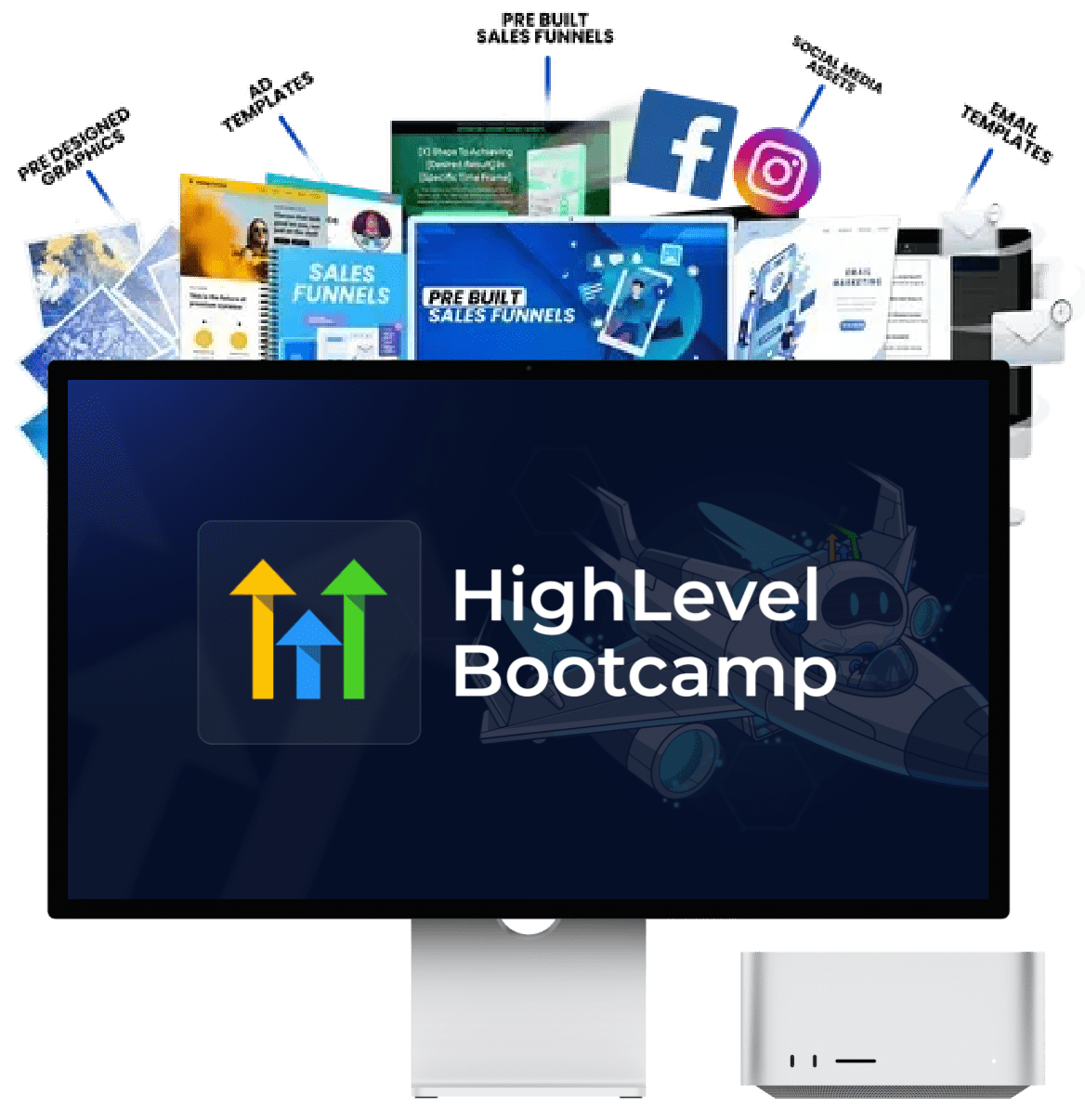
Want a guided, hands-on way to get started? The official HighLevel Bootcamp offers a live, click-by-click session designed to help beginners implement key features alongside a coach.
Explore the HighLevel Bootcamp Start the free tutorialAffiliate disclosure: We may earn a commission if you sign up through our link, at no additional cost to you.
Learn GoHighLevel With the Official Bootcamp
Get guided help instead of figuring everything out alone
Reading a tutorial is useful, but setting up a new CRM and connecting its tools can still feel confusing. HighLevel's official Bootcamp is presented as a live, interactive session where you follow along and configure practical features.
The official page describes training around tasks such as text marketing, missed-call text-back, social integrations, review management, and getting a basic setup running. The exact session details and available bonuses can change, so check the offer page before registering.
- Follow along with a guided walkthrough
- Learn by configuring practical features
- Get a clearer starting point for your first setup
- Explore included training and template bonuses where available
Review the current terms, trial conditions, session schedule, and any applicable usage or communication charges on the official page.
What Is GoHighLevel?
GoHighLevel, also called HighLevel, is a platform used by marketing agencies and businesses to manage leads, conversations, appointments, websites, funnels, and marketing automation in one place. Depending on the plan and configuration, it can also support features such as review requests, email and SMS campaigns, payments, and client accounts.
Instead of connecting a separate tool for every task, you can build a workflow in which one action triggers the next. For example, a person submits a contact form, their details are saved in the CRM, a team member is notified, and an appropriate follow-up message is sent.
CRM and contacts
Store lead information, track conversations, and keep customer details organized.
Funnels and websites
Create pages that explain an offer, collect enquiries, or guide visitors toward booking.
Workflows
Automate routine follow-ups, internal notifications, and other repeatable tasks.
Calendars
Let prospects choose available appointment times and help teams manage bookings.
Conversations
Manage supported communication channels and follow up with prospects more consistently.
Agency tools
Depending on your plan, organize client accounts and build repeatable service delivery.
Want a broader overview before setting up your account? Read our GoHighLevel review and GoHighLevel features guide.
How to Get Started With GoHighLevel: 7 Steps
Do not try to configure the whole platform at once. Start with one business use case, then connect the pieces needed to make it work from beginning to end.
Choose your use case first
Decide what you want GoHighLevel to do. For example, you might want to collect enquiries for a local service business, book consultations, follow up with prospects, or manage marketing for multiple clients.
Write down the result you want before touching the settings. A clear goal will help you avoid building pages and automations you do not need yet.
Set up your account and business details
Follow the platform's onboarding steps and configure the business information relevant to your use case. Check the account name, time zone, contact details, and other settings before publishing anything.
If you plan to send email or text messages, review the required sending setup, consent requirements, and applicable rules before contacting real leads.
Understand contacts and the CRM
The CRM is where you keep track of people and opportunities. Learn how to create a test contact, add relevant details, and view its conversation or activity history.
Use only the fields you need at first. If you already have a contact list, clean it up and confirm that you have permission to use it before importing it or sending marketing messages.
Build one simple pipeline
A pipeline helps you see where each sales opportunity stands. For a beginner, a simple version could use these stages:
New lead → Contacted → Appointment booked → Proposal sent → Won or lost.
Change the stages to match your real sales process. Add a test opportunity and move it through the stages to understand how the pipeline works.
Create one landing page and form
Start with a single page that explains one offer and asks visitors to take one clear action. Add a form that collects only the information you need, then connect the form to the correct contact or follow-up process.
Submit the form yourself and verify that the contact is saved correctly. If you need a more complete walkthrough, see our GoHighLevel features guide.
Set up a calendar if appointments matter
Create one appointment type, set the availability, check the time zone, and configure the booking details. If your business needs appointment reminders or confirmations, add those after the booking process itself works.
Test a booking from a visitor's point of view. Check the confirmation message, calendar entry, and any connected notifications before sharing the page publicly.
Build and test your first workflow
Workflows use a trigger to start an automated sequence of actions. A simple example is: a person submits a form, the platform creates or updates their contact record, and a team member receives a notification.
Once that works, you can consider a suitable confirmation or follow-up message, provided the person has given the required consent and your messaging setup is configured correctly.
Your First GoHighLevel Workflow, Explained Simply
Imagine a potential customer visits a service business's landing page and asks for a quote. A basic process could look like this:
Trigger
A visitor submits the enquiry form.
Record
The contact is created or updated in the CRM.
Notify
The responsible team member is alerted.
4. Follow up appropriately
Send a suitable confirmation or permitted follow-up, then check whether the lead books an appointment or needs a personal response.
In the workflow builder, select the relevant trigger, add the required actions, and configure any filters that prevent the wrong contacts from entering the workflow. Then test it using a dedicated test contact. The exact menu labels can change as HighLevel updates its interface.
For more detail, read our guides to GoHighLevel workflows and GoHighLevel automation.
What Should You Learn First?
| Priority | Feature | Your first practical task |
|---|---|---|
| 1 | Contacts and CRM | Create a test contact and update its details. |
| 2 | Pipeline | Create stages that match your sales process. |
| 3 | Forms and funnels | Build a page and verify that form submissions reach the CRM. |
| 4 | Calendar | Test a booking, confirmation, and availability settings. |
| 5 | Workflows | Automate one simple notification or permitted follow-up. |
| 6 | Reporting and optimization | Check submissions, bookings, and missed steps before adding complexity. |
This order gives you a practical foundation. You can explore advanced features later, once you understand how a lead moves from first contact to a sale or appointment.
Should You Use Templates or Build From Scratch?
Use templates when...
- You need a starting point quickly.
- Your process is common and easy to adapt.
- You want to learn how pages or workflows are structured.
Build from scratch when...
- Your process has special requirements.
- You need to understand each step closely.
- A template contains too many features you will not use.
Always do this first
- Review what the template changes.
- Replace sample copy and business details.
- Test forms, links, triggers, and messages before launch.
Templates can reduce setup work, but they are not a substitute for checking the details. A prebuilt workflow may use different fields, timing, or triggers than your business needs.
If you want to understand how reusable setups fit into the platform, read our guide to the best GoHighLevel snapshots. If your goal is to offer the platform as a service to clients, explore GoHighLevel SaaS and GoHighLevel white-label options.
Common GoHighLevel Beginner Mistakes
Trying every feature at once
Choose one business outcome first. Add other features only when they support that outcome.
Skipping test submissions
Always test forms, contact creation, bookings, and workflow actions before sending real traffic.
Using a template without checking it
Review sample links, text, fields, triggers, and message timing before publishing.
Forgetting messaging consent
Follow applicable email, SMS, privacy, and telemarketing rules. Do not treat every imported contact as permission to market.
Ignoring account costs
Review the plan, possible usage charges, integrations, and communication costs that apply to your setup.
Automating a broken process
First confirm the manual process works. Then automate it and monitor the results.
Before choosing a plan, compare our guides to GoHighLevel pricing and GoHighLevel hidden costs. This can help you estimate the costs of the features and usage you actually need.
How Long Does It Take to Learn GoHighLevel?
There is no single learning timeline. It depends on your experience, the complexity of your business process, the number of tools you connect, and how much time you spend testing. A useful approach is to break learning into small milestones rather than aiming to master the whole platform immediately.
Understand the basics
Find the main navigation, create test contacts, and learn how records and opportunities are organized.
Build a working journey
Connect one form to the CRM, create a basic pipeline, and test a relevant follow-up action.
Improve and expand
Review the results, fix gaps, and add calendars or more advanced workflows only as needed.
If you prefer guided instruction instead of learning feature by feature, the official HighLevel Bootcamp is another starting point to consider.
Is GoHighLevel Good for Beginners?
It can be, especially if you have a clear use case and are willing to learn the tools in stages. The main challenge is that a platform with CRM, funnels, calendars, messaging, and automation can feel complex when you try to learn everything simultaneously.
For a local business, start by collecting enquiries and managing appointments. For a marketing agency, learn how to create a repeatable setup before deploying it for clients. For a freelancer, focus on one service you can deliver and support reliably.
GoHighLevel is not automatically the right choice for every person or business. Compare the features you need, the total cost, and the time required to configure and maintain the system. Our GoHighLevel review can help you evaluate the wider platform.
GoHighLevel Beginner Tutorial: FAQs
What is the best way to learn GoHighLevel?
Start with contacts and the CRM, then create one pipeline, one form or funnel, and one simple workflow. Test the entire process. If you prefer instructor-led guidance, check the official HighLevel Bootcamp.
Is GoHighLevel beginner-friendly?
It can be manageable when you focus on a specific goal and learn one feature at a time. Trying to configure every tool immediately can make the platform harder to understand.
Do I need coding skills to use GoHighLevel?
You can build many common CRM processes, pages, forms, calendars, and workflows without writing code. More advanced customizations or integrations may require technical knowledge.
What is the difference between GoHighLevel and a snapshot?
GoHighLevel is the platform. A snapshot is a reusable setup that can package selected assets or configurations for deployment. Review the contents and compatibility of a snapshot before using it.
Can I use GoHighLevel for a local business?
Yes. Businesses may use it to collect enquiries, organize leads, manage bookings, and follow up with prospects. The exact setup depends on the business and the plan or features available to it.
Does the HighLevel Bootcamp cost money?
The official page currently advertises a free live Bootcamp alongside a trial offer. Check the official offer page for the latest eligibility, trial conditions, schedule, and possible usage charges before registering.
What should I automate first?
Choose one repetitive, low-risk task, such as notifying a team member after an enquiry arrives. Test it with a dedicated contact before adding external messages or more complicated branches.
How can I avoid sending unwanted automated messages?
Use appropriate consent records, check the rules that apply to your audience and location, configure stop conditions, and test workflows carefully. Follow the applicable requirements for email, SMS, privacy, and telemarketing.
Related GoHighLevel Guides
Continue learning with these practical guides from DreamCustomerWaves:
Ready to Put Your First GoHighLevel Setup Together?
Start with one goal, follow the beginner steps above, and test each part before you launch. If you'd rather learn through a guided walkthrough, check the official Bootcamp details and decide whether the format suits you.
Visit the Official HighLevel Bootcamp ↗Check current terms, availability, trial conditions, and usage charges directly with HighLevel.
Disclosure: Some links on this page are affiliate links. If you sign up through them, DreamCustomerWaves may earn a commission at no extra cost to you. This does not change our goal of providing practical, useful information.
